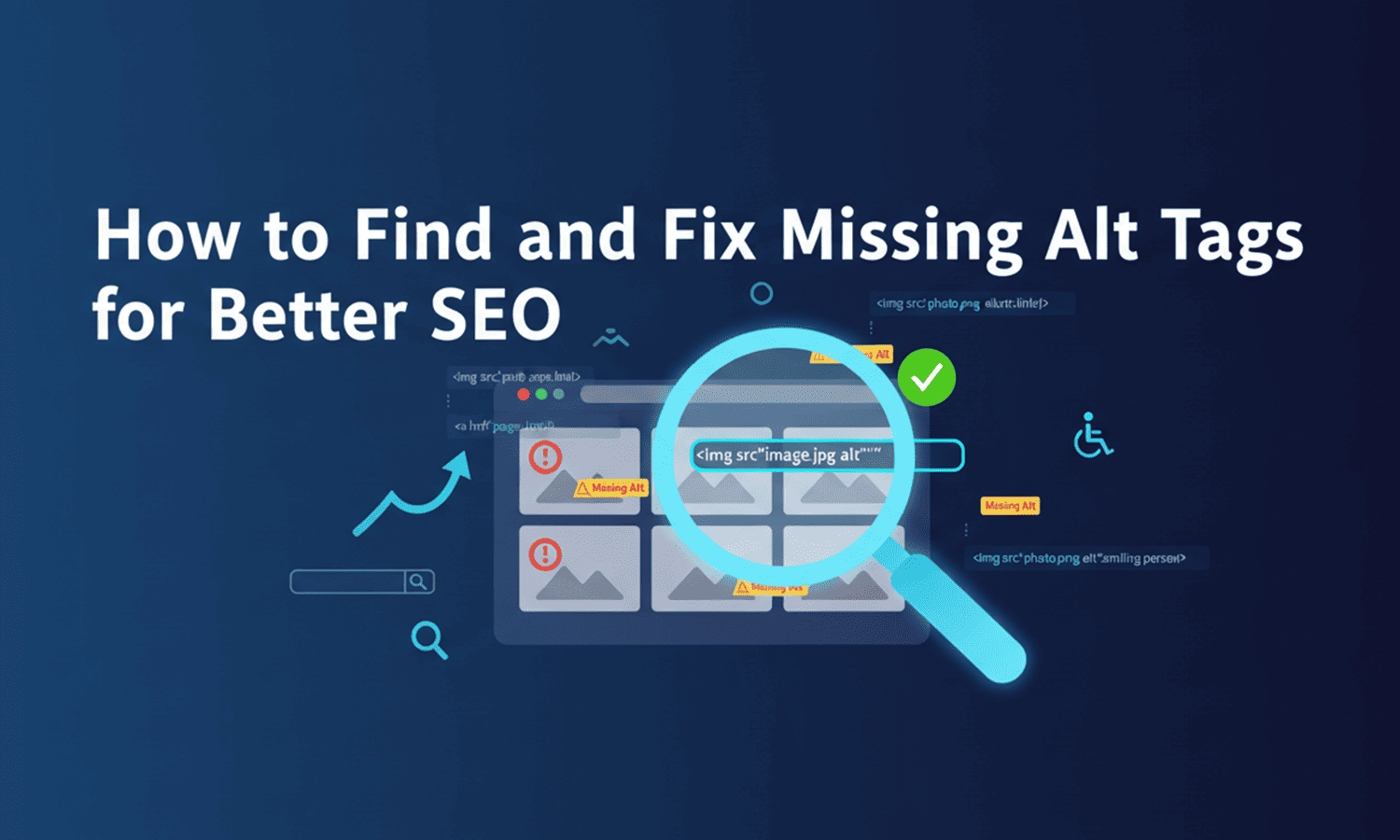
How to Find and Fix Missing Alt Tags for Better SEO
If you want your website to rank higher, you cannot ignore your images. While search engines are smart, they still need help "reading" visuals. This is where alt tags for SEO come into play. Missing alt text is a common technical issue that can hold back your organic performance and accessibility.
In this guide, we will break down the importance of alt text in SEO, how to identify missing attributes, and how to fix them using tools like SEO Dada.
What Are Alt Tags?
Alt tags, or "alternative text," are brief descriptions added to an image's HTML code. Their primary job is to describe the image to search engine crawlers and screen readers used by visually impaired users.
Using descriptive alt text and seo strategies ensures that when an image fails to load, the text appears in its place. More importantly, alt text seo helps Google Images understand your content, which can drive a significant amount of extra traffic to your site.
How to Check If Images Are Missing Alt Tags
Finding missing tags manually is nearly impossible if you have hundreds of pages. To maintain a healthy site, you need a reliable way to audit your alt attribute seo status.
The most efficient method is to use an automated crawler. By using an all-in-one tool like SEO Dada, you can scan your entire URL. The tool acts as a dedicated seo alt text for images checker, highlighting every image that lacks a description. Simply paste your URL into the analyzer, and it will generate a report showing exactly which images need attention.
How to Add Alt Tags to Images
Once you have identified the gaps, fixing them is straightforward. Whether you use WordPress, Shopify, or custom HTML, the goal is the same: add the alt attribute within the <img> tag.
For example:
<img src="seo-tool-dashboard.jpg" alt="SEO Dada keyword research dashboard showing search volume">
When writing alt text in seo, focus on being descriptive but concise. Avoid stuffing keywords; instead, describe what is actually in the image while naturally including your target terms.
Common Alt Tag Mistakes to Avoid
Even experienced marketers make mistakes when implementing alt tags for SEO. Here are a few to watch out for:
- Keyword Stuffing: Don't just list keywords. It looks like spam to search engines.
- Using "Image of..." or "Picture of...": Google already knows it's an image. Jump straight into the description.
- Ignoring Decorative Images: For icons or dividers that don't add value, use an empty alt string (alt="") so screen readers skip them.
Lengthy Descriptions: Keep it under 125 characters to ensure it’s fully read by most software.