
What Are Heading Tags? & Why They're Important for SEO
If you want your pages to rank better, you must understand how a heading tag works. Heading tags are simple HTML elements, but they play a big role in how search engines understand your content. They also help readers move through your page without feeling lost.
In this guide, you will learn what heading tags are, why they matter for SEO, and how to use them correctly on every page.
What Are Heading Tags?
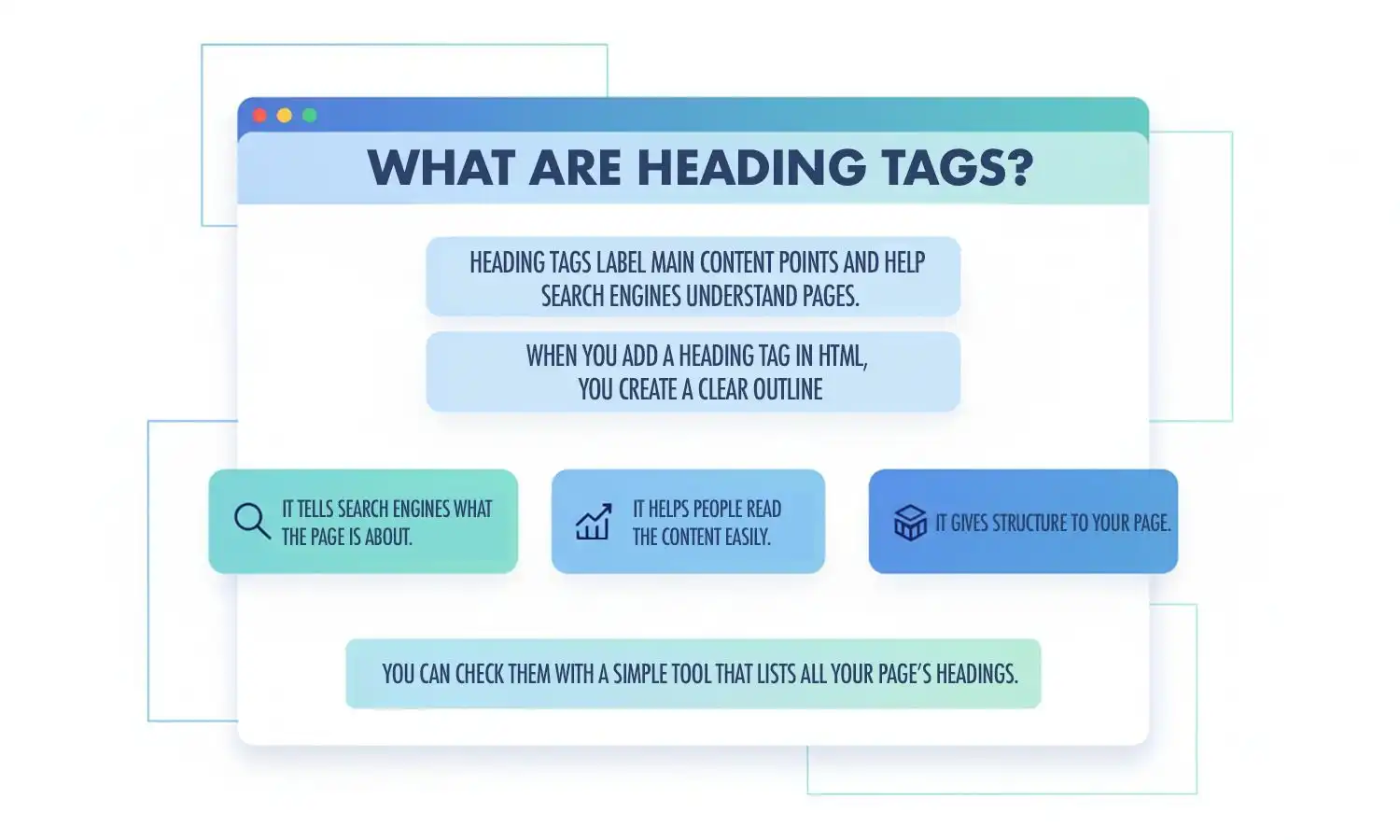
Heading tags are labels in HTML that show the main points and sections of your content. If someone asks, What is a heading tag, the simplest answer is: it helps search engines understand what each part of your page means.
When you add a heading tag in HTML, you create a clear outline:
- It tells search engines what the page is about.
- It helps people read the content easily.
- It gives structure to your page.
You can even check them with a simple heading tag checker that lists all headings on your page.
Why Are Heading Tags Important for SEO?
Search engines read your headings first to understand your topic. When headings are clear and well-organised, your page becomes easier to read and easier to rank. Clean headings also improve user experience because people can scan your page quickly.
A tidy structure works for both your reader and your SEO.
How Many Heading Tags Are There? (H1 to H6 Explained)
There are six heading levels: H1 to H6. These are part of your basic html heading structure.
A quick breakdown:
- H1 — main topic of the page
- H2 — key sections
- H3 — smaller points
- H4–H6 — extra detail when needed
The h1 html tag is the most important. When you compare h1 h2 h3 h4 h5 h6 sizes, you will see that the visual size changes, but the structure behind them is what matters for SEO.
Difference Between H1, H2, H3 & Other Heading Levels
Each heading level has a job:
- The h1 header introduces the page topic.
- H2 headings support the main idea.
- H3 headings add deeper points inside those H2 sections.
When you look at h1 h2 h3 examples, you can see how they guide the reader through the page step by step.
Higher levels like H4–H6 are used only when the content needs finer detail.
How to Use Heading Tags Correctly for On-Page SEO
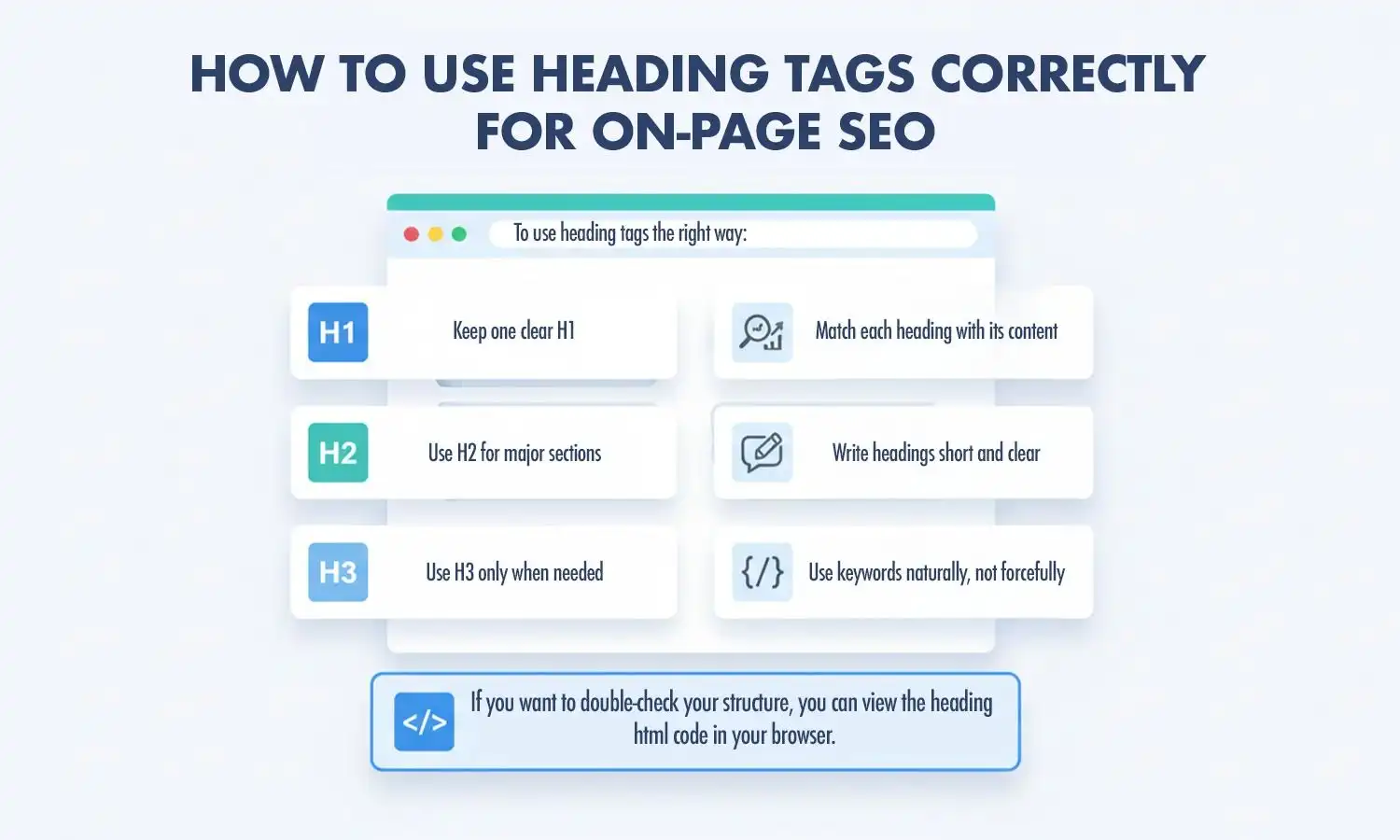
To use heading tags the right way:
- Keep one clear H1
- Use H2 for major sections
- Use H3 only when needed
- Match each heading with its content
- Write headings short and clear
- Use keywords naturally, not forcefully
If you want to double-check your structure, you can view the heading html code in your browser.
Common Mistakes People Make With Heading Tags
Many pages lose clarity because of simple mistakes, such as:
- Using headings only to make text bigger
- Writing long heading lines
- Skipping levels (H1 → H3 with no H2)
- Adding too many headings
- Using more than one H1
- Adding keywords that do not fit the meaning
A quick review can fix all of these.
Heading Tags vs Title Tags: What’s the Difference?
Heading tags appear inside the content, while title tags appear in search results and in the browser tab. Title tags are part of your header meta tags, but heading tags live inside your HTML body.
Both matter for SEO, but they serve different functions.
Do Heading Tags Affect Voice Search & Featured Snippets?
Yes. Clear headings help search engines find short, direct answers in your content. This is useful for voice results and featured snippets.
Organised headings make it easier for Google to detect list-type answers, definitions, and structured responses. Even something like a table heading tag in HTML can help organise information clearly for search engines.
Writing and Fixing Headings: Common Questions
Once you know what each heading level is for, the next questions are practical ones: how to write a good heading, where keywords belong, and how to fix a structure that has gone wrong. The answers below cover each of them.
What Makes a Heading SEO-Friendly?
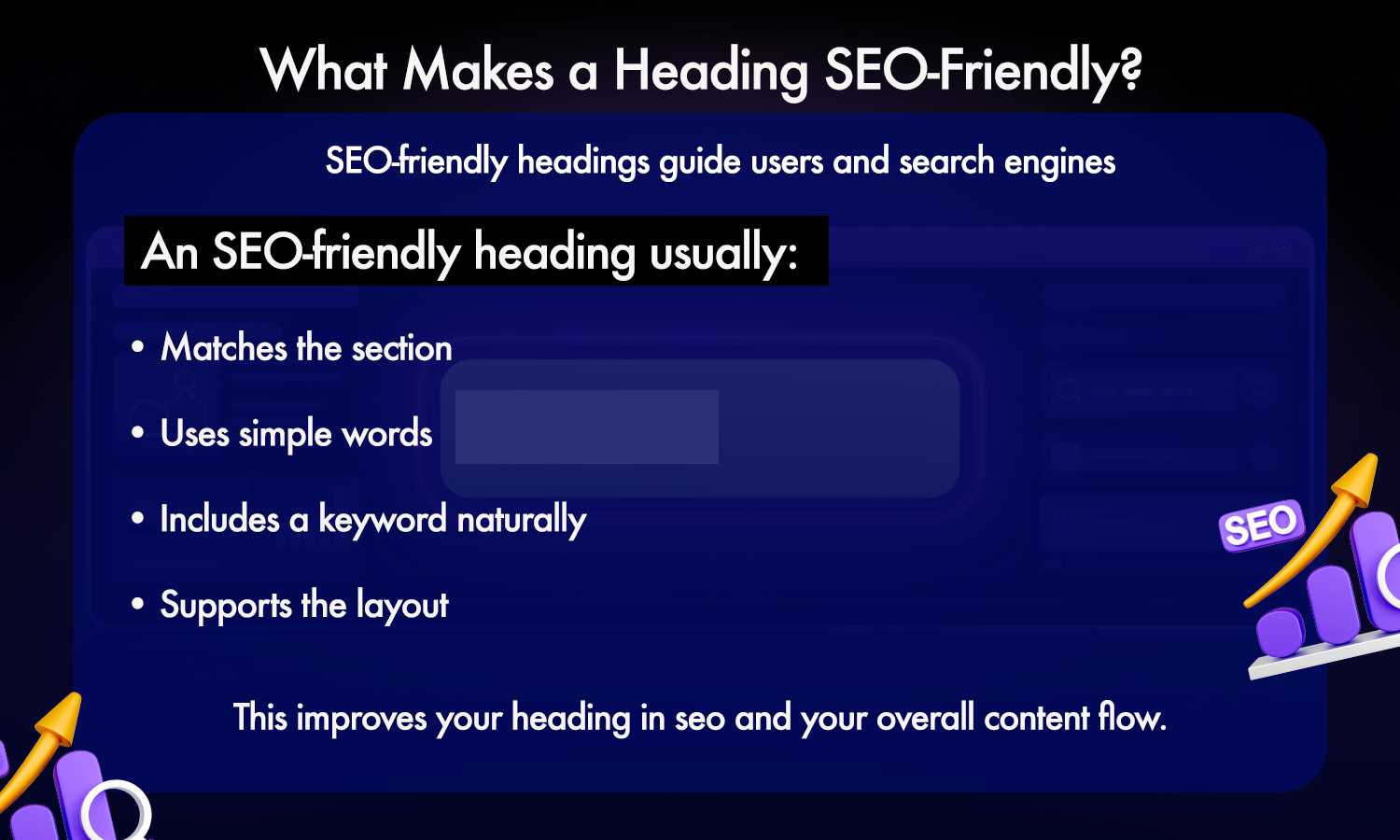
An SEO-friendly heading is simple, meaningful, and easy to read. It gives a clear idea of what the section is about and helps search engines understand your content. An SEO-friendly heading usually:
- Matches the section below it
- Uses simple words
- Includes a keyword only where it fits naturally
- Supports the layout of the page
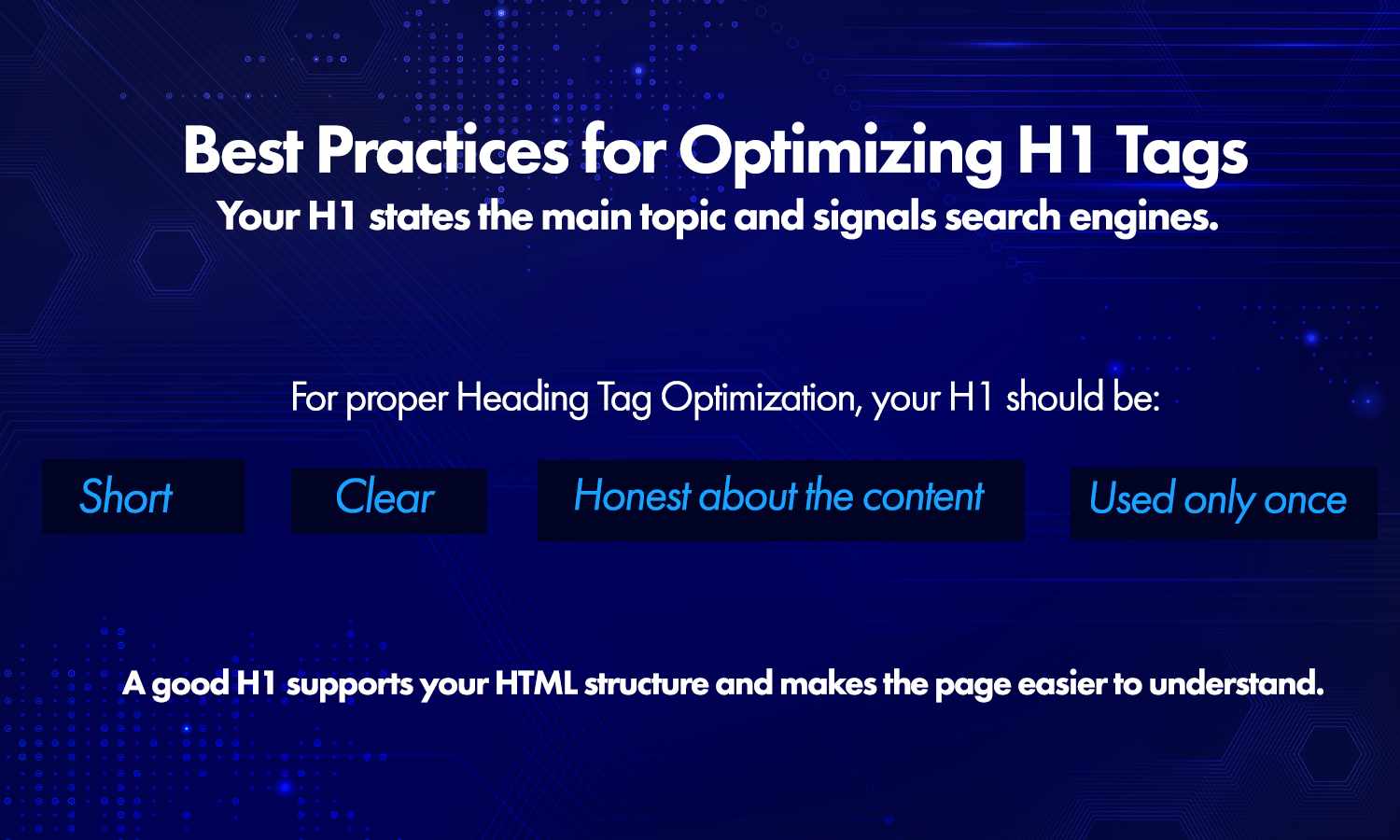
Best Practices for Your H1
Your H1 is the most important heading on the page. It introduces your main topic and gives search engines the right signals. A good H1 is:
- Short
- Clear
- Honest about the content
- Used only once
The H1 is usually the largest heading on the page, but the meaning behind the tag matters more than its size.
Should You Include Keywords in H2 and H3 Tags?
Yes, if they fit naturally. Keywords help search engines understand your page better, but forcing them in can harm clarity. Make sure each heading reads simply and matches the content below it. A natural flow is stronger than keyword stuffing.
Do Headings Directly Impact Rankings?
Headings do not rank a page by themselves, but they help search engines understand context. A clear structure makes your content easier for search engines to read, and it improves the experience for readers, which supports better performance over time.
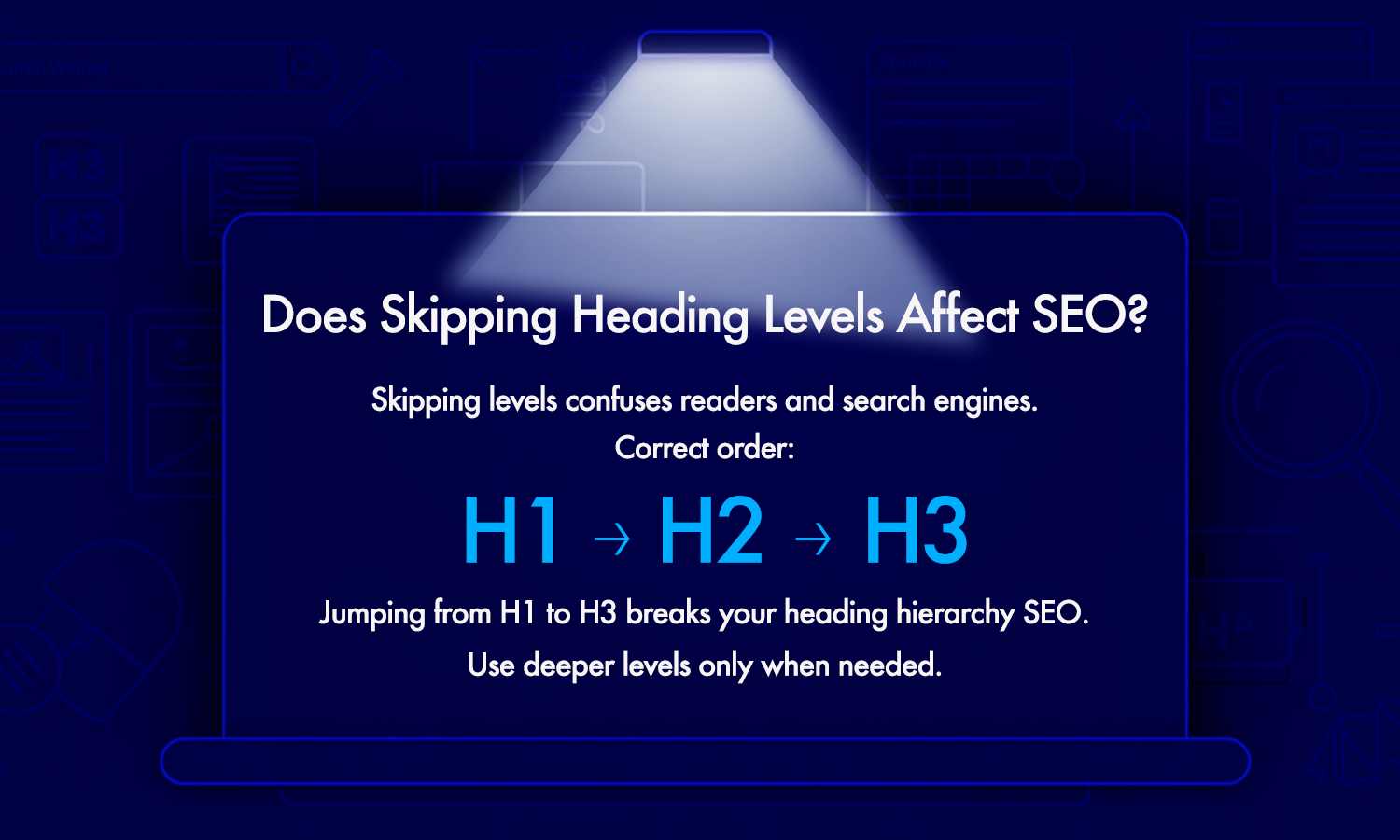
Does Skipping Heading Levels Affect SEO?
Skipping levels can confuse search engines and readers. Jumping from H1 to H3 without an H2, for example, breaks the hierarchy and makes your structure feel unclear. Always follow the order H1, then H2, then H3, and only go deeper if your content needs it.
Visual Formatting vs SEO Structure: Why Both Matter
Many people focus only on how headings look, but the heading hierarchy is equally important. A heading may look large on the page and still use the wrong tag in the code. Good design helps users, and correct tags help search engines. You need both.
How to Reorganize Headings Without Changing Page Content
You can fix most heading issues by rearranging the tags, not the writing. A heading analyzer shows you the current order. Once you can see the flow, reorganize it like this:
- Use one clear H1
- Use H2 tags for each main section
- Use H3 for points inside those sections
Reordering headings gives your page structure without changing any of your content.
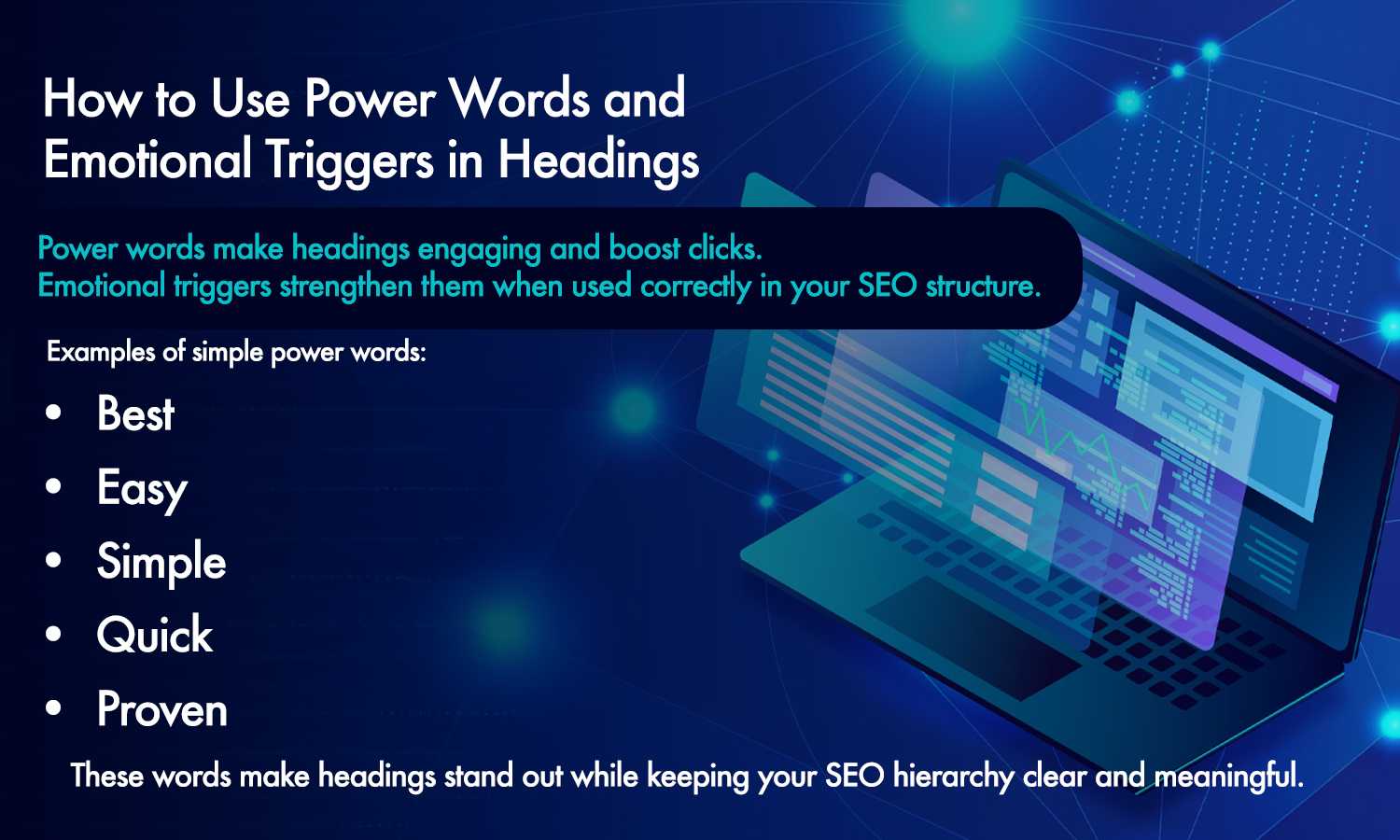
Using Power Words in Headings
Power words make headings more interesting and can encourage clicks, as long as the heading stays accurate. Simple examples:
- Best
- Easy
- Simple
- Quick
- Proven
Use them only when they are true for the content, and keep your heading hierarchy clean and meaningful.
Heading Distribution on Long Pages
Long posts need a strong structure to stay readable. If you see long sections with no headings, readers may feel lost. Good distribution means:
- Headings at regular intervals
- No long blocks of text
- Smooth breaks between ideas
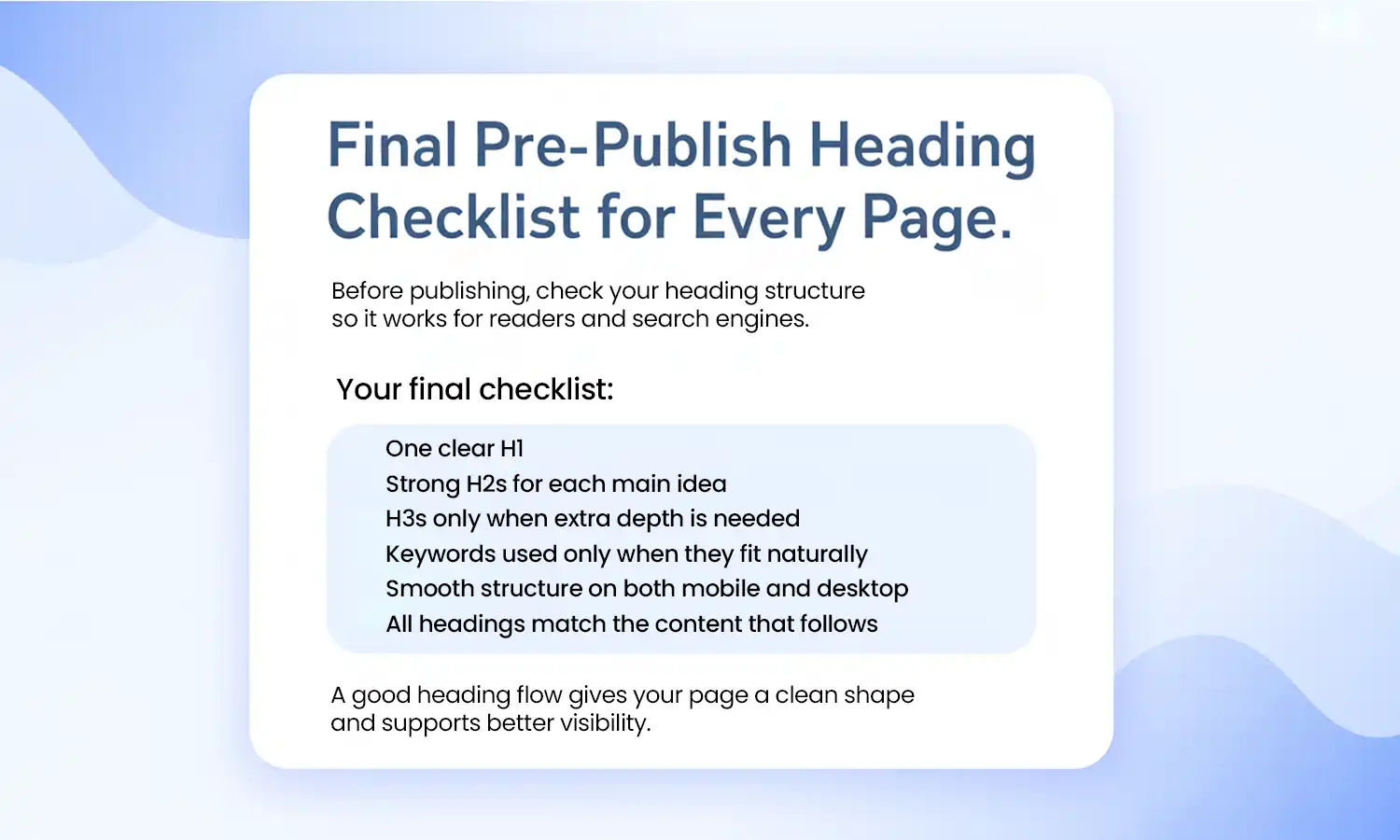
A Pre-Publish Heading Checklist
Before you publish, run a quick check to confirm your heading structure is ready:
- One clear H1
- Strong H2s for each main idea
- H3s only when extra depth is needed
- Keywords used only when they fit naturally
- Headings that read well on both mobile and desktop
- Every heading matches the content that follows
For a walkthrough of checking the headings on a live page, see how to check heading tags without any coding.
Conclusion
Heading tags shape your content and help search engines understand your main ideas. When your structure is simple and clear, your page becomes easier to rank. A strong heading tag setup also helps readers follow your content smoothly.
If you want to check your headings quickly, seodada gives you a real-time view of your H1, H2, H3, and other tags so you can fix issues before publishing.
Key Takeaways
- A heading tag tells search engines what each section means.
- Use one H1, clear H2s, and simple H3s for deeper detail.
- Keep headings short, clear, and natural.
- Avoid long lines and multiple H1 tags.
- Always review your heading structure before publishing.