
Step-by-Step Guide to Analyzing Meta Tags for SEO
When your page is not getting clicks or rankings, the issue is often simple. Your title is unclear, your description is missing, or your page is sending mixed signals to Google. That is why Meta Tags for SEO matter. They help search engines understand what your page is about, and they also decide how your page looks on Google.
In this guide, I will keep it straightforward. You will see why meta checks matter, how to do it inside SEO Dada, and what to look at after the scan.
Why Meta Tag Analysis Is Important for SEO
Your meta tags act like a summary for search engines and users. If they are weak, even a good page can struggle.
Here is why it matters:
- Your meta title is usually what people see first on Google
- Your meta description can influence whether someone clicks or skips
- Clean tags help search engines match your page to the right searches
- Poor tags can reduce clicks even if you rank well
So, if you want stronger results, start by checking Meta Tags for SEO before you change anything else.
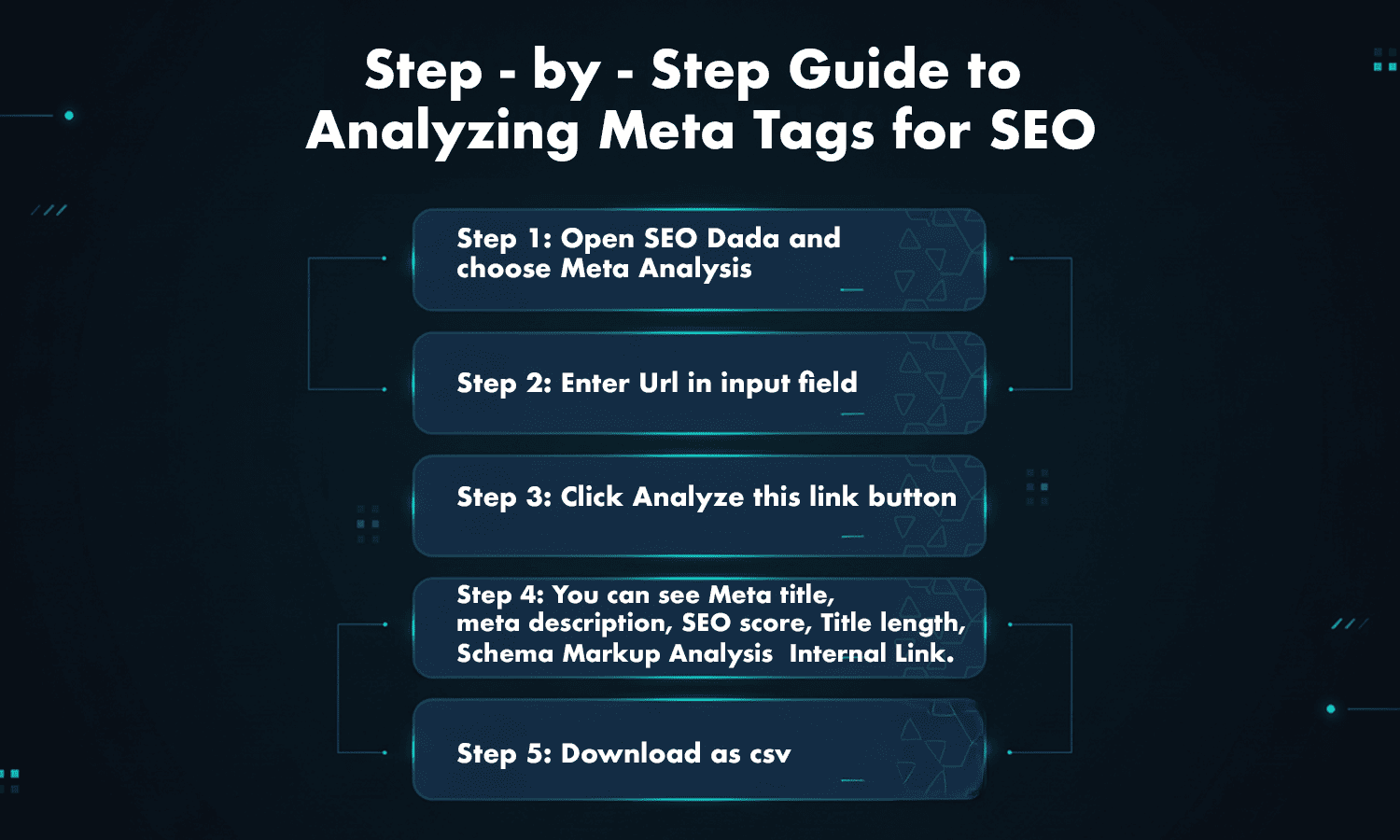
Step-by-Step Guide to Analyzing Meta Tags for SEO
Here is the exact process using SEO Dada. No extra steps, no confusion.
Step 1: Open SEO Dada and choose Meta Analysis
Go to SEO Dada and open the Meta Analysis tool.
Step 2: Enter URL in the input field
Paste the page link you want to check.
Step 3: Click the “Analyze this link” button
Hit the button and let the tool scan the page.
Step 4: Review the results shown
Once the scan is done, you can see key details like:
- Meta title
- Meta description
- SEO score
- Title length
- Schema Markup Analysis
- Internal Link details
This is where you can quickly spot if your seo meta title is too long, too short, or not matching the page. You can also check whether your seo tags are present and readable.
Step 5: Download as CSV
If you are auditing multiple pages or sharing with a team, download the report as CSV and keep it for tracking and updates.
How Meta Tag Analysis Helps Search Engines Understand Your Page
Search engines do not “read” your site as humans do. They rely on signals. Your title and description are two strong signals that explain the page topic quickly.
When your tags are clean:
- Google understands the page faster
- Your snippet looks clearer in search results
- Users trust what they are clicking
- Your page feels more relevant to the search
That is the real reason Meta Tags for SEO matter. It is not just about inserting keywords. It is about making your page make sense to both Google and the user.