Master the foundations of Technical SEO to ensure search engines can crawl, index, and rank your website effectively in 2026.
Ranking Failures from Tech Issues
Ideal Page Load Time
Traffic from Mobile
Required for Rankings
In 2026, your content is your message, but Technical SEO is the megaphone that ensures the message is heard. Many businesses focus entirely on keywords while ignoring the foundation of their digital house. If search engines cannot access, read, or understand your site, even the best writing remains invisible.
At SEODADA, we treat technical optimization as a high-precision diagnostic process. We replace manual guesswork with automated audits to ensure that modern AI assistants and search bots can trust your structural integrity. This guide provides a deep dive into how technical SEO improves website performance and long-term organic growth.
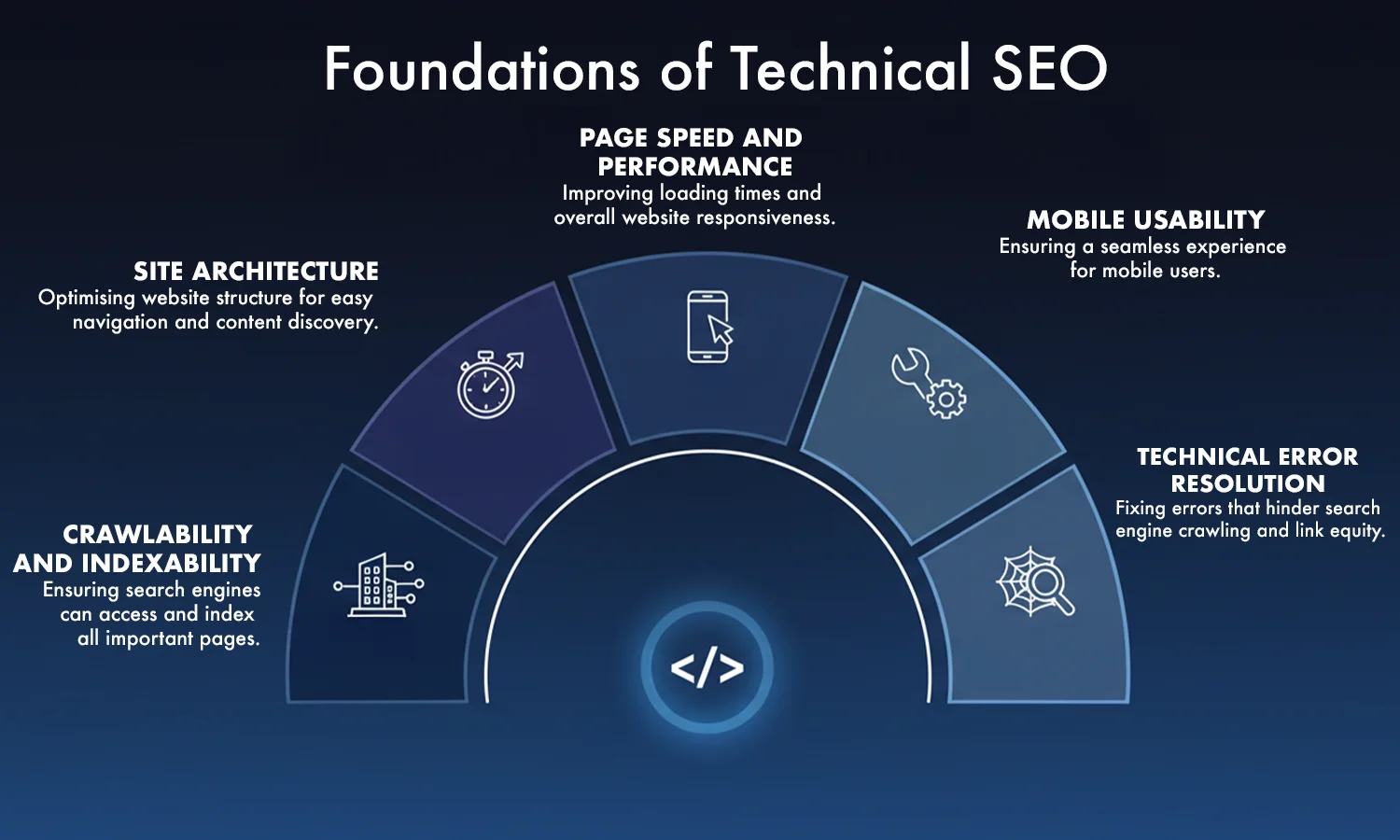
What is technical SEO? It is the process of optimizing the backend of your website so search engines can crawl, index, and render your pages effectively. While on-page SEO focuses on words and off-page SEO focuses on links, technical SEO focuses on the "pipes and wires" of your site. It supports overall success by removing the friction that stops bots from seeing your value.
"Technical SEO is the foundation of a successful search strategy. Without it, great content can go unnoticed."
— Aleyda SolisPerformance, accessibility, and structure are the three pillars of visibility. In 2026, Google uses complex algorithms to measure how "healthy" a site feels. If your site is slow, insecure, or messy, you will be penalized regardless of your keyword usage.
Key Insight: Over 90% of pages that fail to rank have technical indexing or crawling limitations — not content problems.
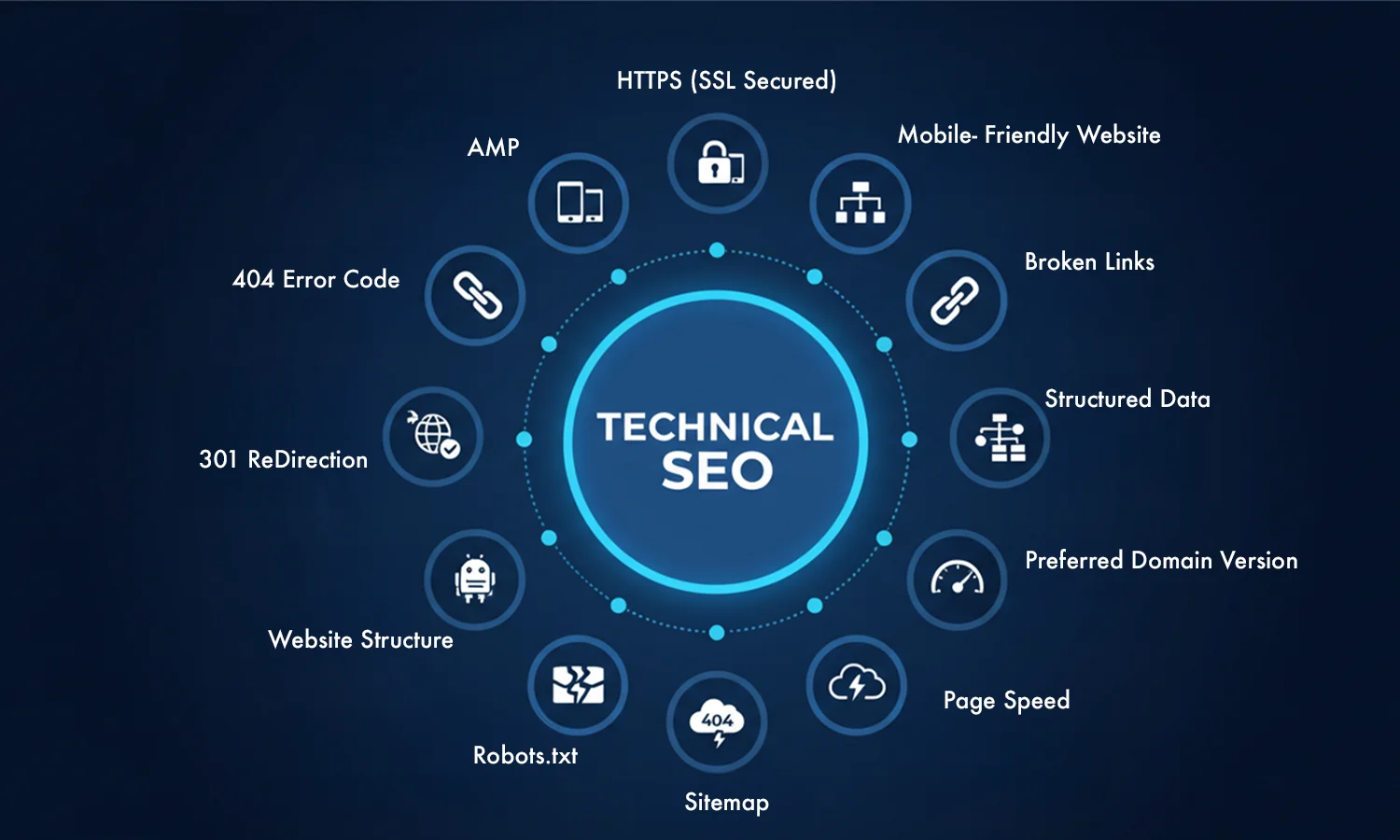
To understand website crawling and indexing, you must understand the bots. Search engines use automated programs called "spiders" to follow paths across the web.
The efficiency of these bots is determined by your crawl depth. If a page is buried five or six clicks away from the homepage, a bot might never find it. Efficiency is the key to Google technical SEO.
A "crawl budget" is the amount of time a search engine spends on your site. To maximize this, you must optimize your internal links and URL structures.
Did you know?
Google often stops crawling deep pages if your internal linking is weak — even if those pages are in your sitemap.
A logical structure helps users and bots navigate. Think of your site like a library. Books should be in the right sections (categories) and on the right shelves (sub-categories).
Key Insight: Websites with clean site architecture get faster indexation compared to deep, cluttered structures.
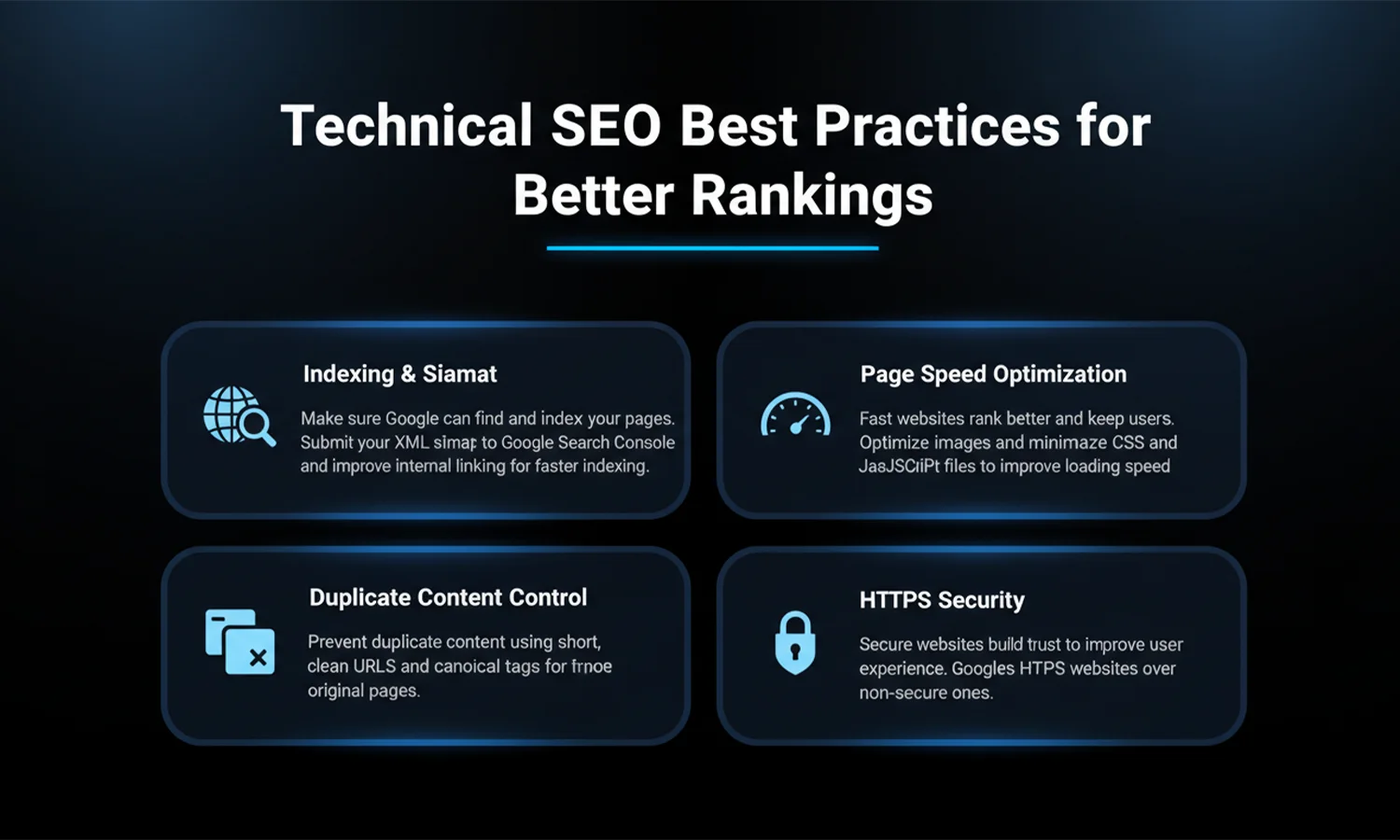
An XML sitemap optimization plan acts as a roadmap. It lists all your important pages so search engines do not have to hunt for them.
Did you know?
XML sitemaps do not guarantee indexing — they only improve discovery.
Once a bot crawls your page, it stores a copy in a massive digital library called the "index." This is crawling and indexing in action. When a user searches for a term, the engine looks at its index, not the live web, to find the best answer.
"If search engines can't crawl your site efficiently, it doesn't matter how good your content is."
— John Mueller, GoogleNot every page on your site should be in the index. Pages like "thank you" notes, admin logins, or internal search results should be hidden using the noindex tag. This keeps your index clean and focused on your best content.
Did you know?
Robots.txt cannot remove indexed pages — only a noindex tag can do that.
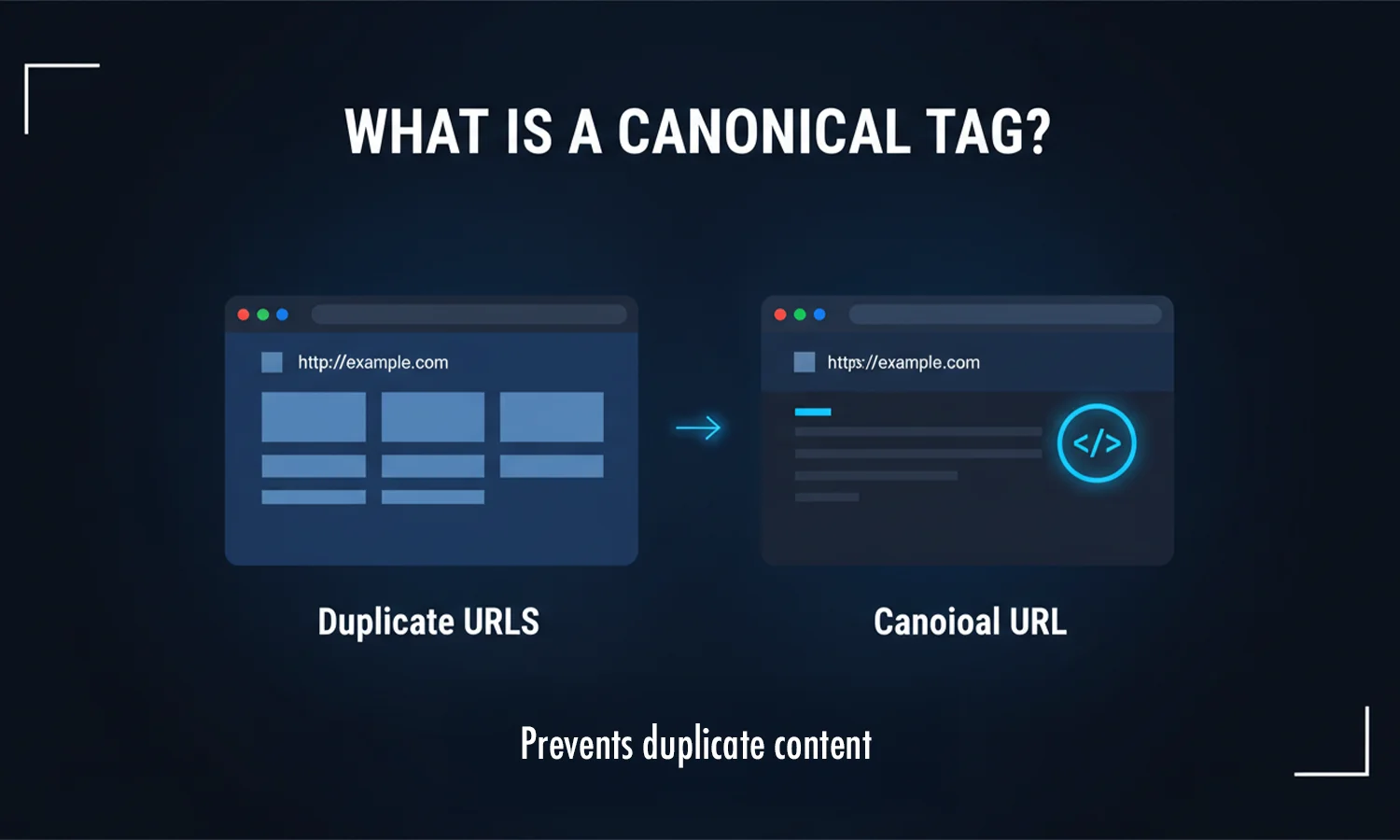
Duplicate content confuses search engines. If you have two pages that are nearly identical, search engines do not know which one to rank.
Key Insight: Canonical URL tags are treated as hints, not strict rules. They tell Google which version is the "master" copy.
Secure websites help build trust and improve user experience. This is why Google favors HTTPS over non-secure sites.
Key Insight: A secure HTTPS site can still lose trust if it serves "mixed content" (HTTP resources on an HTTPS page).
Prevent duplicate content by using short, clean URLs and setting canonicalization tags for original pages.
Ensure that your site does not have multiple versions running at once (like http://site.com and https://www.site.com). All versions should redirect to one single, secure address.
Fast websites rank better and keep users longer. Optimize your site's images and minimize CSS and JavaScript files to improve page load time.
Key Insight: A one-second delay in page load time can reduce user engagement by up to 20%.
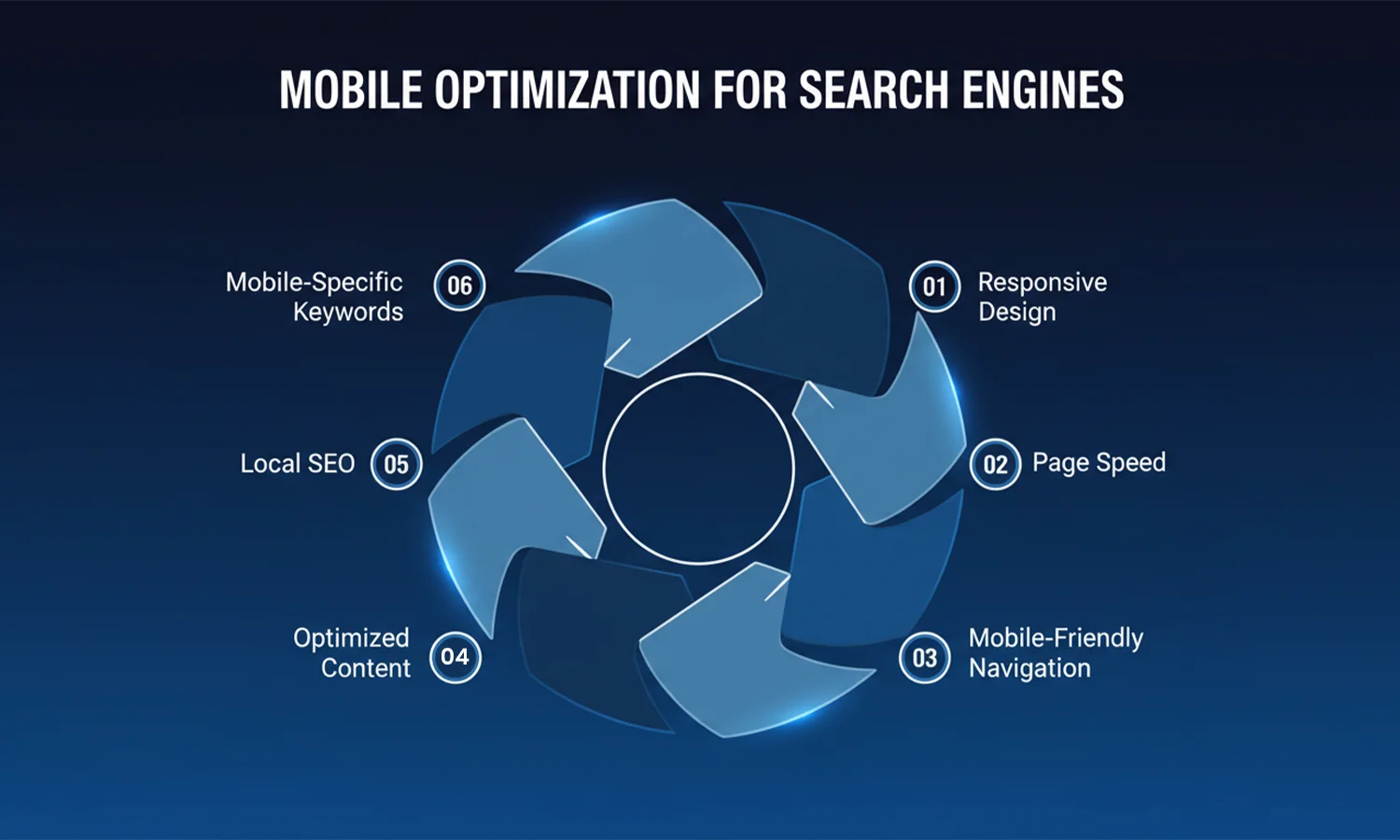
In 2026, mobile-friendly website SEO is the standard. Google uses "mobile-first indexing," which means it evaluates your mobile site first.
Key Insight: Mobile-first indexing means Google evaluates your mobile site first, even for desktop searches. If your mobile site is broken, your desktop rankings will fall too.
Breadcrumbs are small text paths at the top of a page (e.g., Home > Blog > Technical SEO). They help users see where they are and provide excellent internal linking strategy for search bots.
If you have a blog with hundreds of pages, you likely use pagination (Page 1, 2, 3). Use proper tags to tell Google how these pages relate to each other so it does not see them as thin or duplicate content.
The robots.txt file is the first thing a bot looks at. It tells the bot which folders are "off-limits." Use this to save your crawl budget by blocking bots from folders that do not need to be indexed.
Structured data schema is a code you add to your site to help engines understand the context. For example, it tells Google "this is a price" or "this is a five-star review." This allows you to appear with "rich snippets" in the results.
Broken pages (404 errors) create a "dead end" for both users and bots. Regularly check your site for broken links and use 301 redirects to send users to a live, relevant page. This is a vital part of a technical SEO checklist.
Core Web Vitals optimization focuses on three specific metrics:
Did you know?
Improving Core Web Vitals can increase crawl frequency, not just rankings.
If your site is in multiple languages (like English and Tamil), use hreflang tags. This ensures that a user in Chennai sees the Tamil version while a user in London sees the English version, preventing canonicalization issues.
Technical health is not a "set it and forget it" task. As you add new pages and plugins, things can break. Use a technical SEO service or the SEODADA diagnostic engine to run weekly health checks.
Key Insight: Google does not rank pages it cannot efficiently crawl — even if the content quality is high.
Technical SEO is about removing friction for users and search engines. In 2026, you cannot let broken code or slow load times block your path to the first page. While content and links are your message, your technical health is the delivery system.
By using SEODADA, you replace guesswork with a high-precision diagnostic engine. We ensure that your crawling and indexing paths are clear and your structural integrity is ironclad. When your site is fast and secure, search engines can stop fighting through errors and start focusing on your ranking value. Let SEODADA handle the technical foundation so you can focus on growing your business.
Yes. It is the foundation. If your site has a slow page load time or broken links, Google will rank faster, healthier sites above yours.
Absolutely. Technical SEO basics like sitemaps and robots.txt are the primary tools search engines use to discover and store your pages.
Yes. A messy structure creates "orphan pages" and wastes your crawl budget, making it harder for your best content to reach the first page.
Let SEODADA diagnose your website's technical health and uncover hidden issues holding back your rankings.
Get Started with SEODADA