Missing H1 Tag? 5 Myths Debunked for Better SEO
By seodada · Published
Overview
A missing H1 tag is a structural fault in a page's HTML, not an automatic ranking penalty. This article examines five common myths about H1 tags, explains what search engines and screen readers can do when one is absent, and shows how to fix the problem without developer help.
A page with a missing H1 may still communicate its topic through its title and body content, but it loses a clear, consistent signal for readers and assistive technology.
Myth 1: A missing H1 tag is a critical SEO error that will tank your rankings
A missing H1 is a real structural fault, but it is rarely the reason a page drops in search. Search systems are designed to work with imperfect pages and draw on the title, body copy and internal links as well.
What search engines actually do
Search engines assess a page using many elements, including its title and body content. A page without an H1 may still be understood clearly, so the missing heading is best treated as a gap to close rather than the cause of a ranking drop.
The real impact on user experience and accessibility
A clear outline matters most to people. Screen reader users often navigate by headings, so a missing or unclear H1 can make it harder to identify the page's main topic at the start. Seodada's Heading Tag Checker flags a missing H1 as a structural fault, so you can spot the gap quickly.
Related: Image Alt Text Checker: Find Missing Alt Tags
Myth 2: You must have exactly one H1 tag on every page
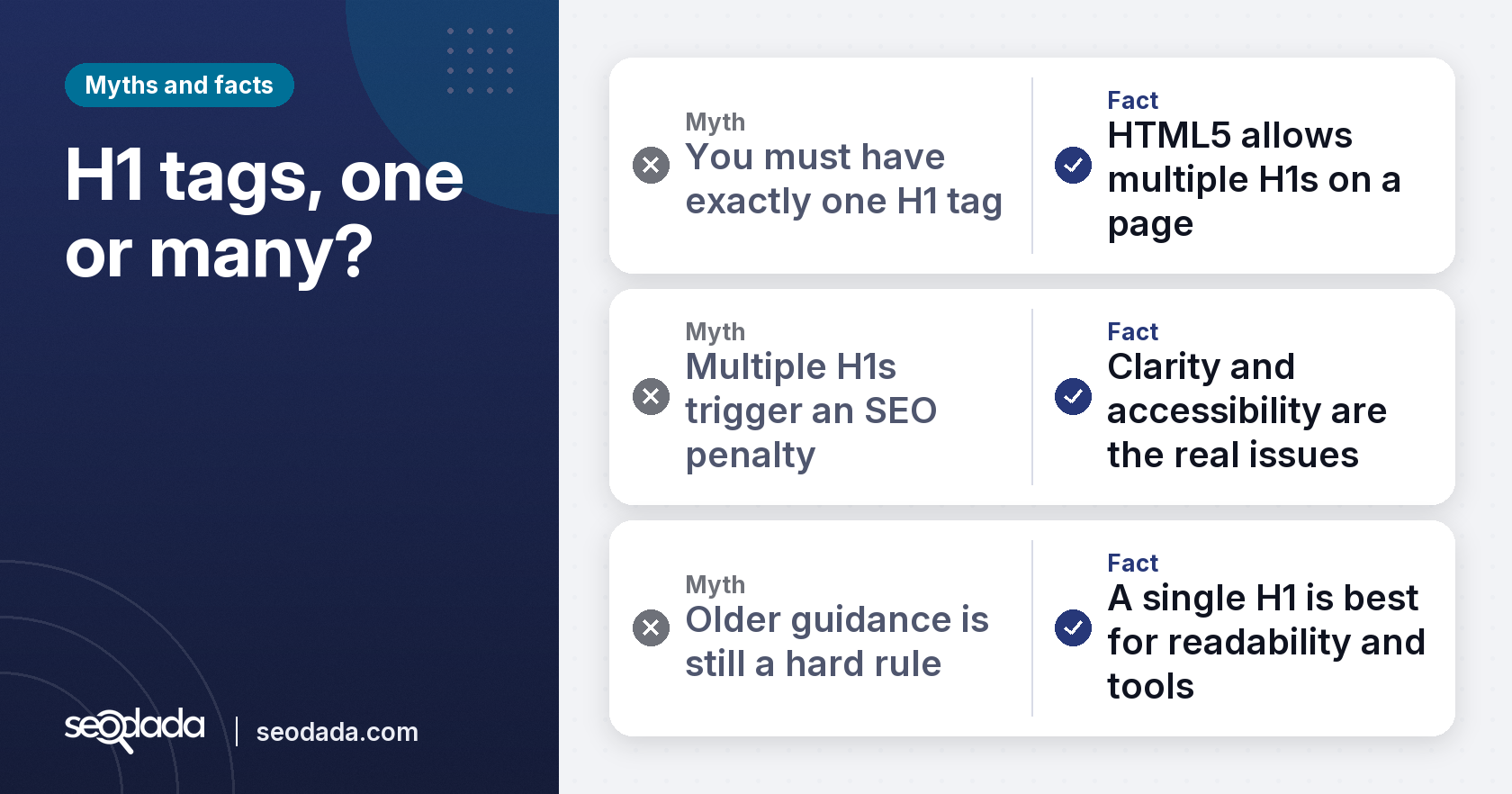
One clear H1 is the safest and most readable choice. HTML5 allows more than one, so the real issue is clarity and accessibility rather than a strict SEO rule.
HTML5 and its flexibility
Some older guidance treated a single H1 as a hard rule, and that rule has softened. Multiple H1s will not, by themselves, trigger a penalty.
Why a single H1 remains best practice
Most pages are easier to read and navigate with one H1 that states the main topic. Assistive technologies and other tools that read page structure can all use the heading to understand what the page covers. Seodada's Heading Tag Checker reports duplicated H1s as a structural issue.
Myth 3: Filling your H1 with keywords guarantees higher rankings
Keyword stuffing in an H1 can make a page harder to read and less useful, which works against its performance.
The shift from keyword stuffing to natural language
Imagine a page about garden hose repair with the H1 "Garden Hose Repair, Hose Fix, Best Hose Repair Kit." It reads like a list of search terms. "How to repair a leaking garden hose" tells the reader exactly what the page offers. Write for the reader first, then check that the main term appears naturally. Seodada's content analysis tools show keyword density, which can help you spot stuffing.
Writing headings that serve readers
A clear, descriptive H1 helps readers quickly understand what a page offers, and that clarity is the practical benefit to aim for.
Myth 4: Fixing a missing H1 tag is complex and requires developer intervention
In many content management systems, adding an H1 is a common approach that can be done through the editor or theme settings. The exact steps depend on your CMS and theme.
Simple fixes in common CMS platforms
If your theme outputs no H1, a common fix is a theme setting or a block set to heading 1. Some platforms handle this through the page title or top heading field in the editor. Check your CMS and theme documentation for the specific steps, as they vary.
Using instant tools for verification
After you make the change, confirm it. Seodada's free Heading Tag Checker shows the heading outline as the page is marked up so you can see if the new H1 is in place.
Myth 5: A missing H1 is the only heading issue that matters for SEO
A missing H1 is a visible fault, but other heading problems are easier to overlook. Skipped levels and vague headings can also confuse readers and assistive technologies.
The impact of skipped heading levels
If a page jumps from an H2 straight to an H4, the outline breaks. It helps to use a logical structure. Use Seodada's Heading Tag Checker to flag skipped levels and count each heading type.
Why descriptive headings are crucial
A heading such as "More information" tells the reader nothing. "Setting up automatic backups" tells them what the section covers. Descriptive headings help people scan a page and find the section they need. Review each heading and ask if it says what the section is about.
Key takeaways
- A missing H1 is a structural fault, but it is not an automatic ranking penalty, and a page may still be understood through its title and content.
- Multiple H1s are allowed in HTML5, though one clear H1 remains the most readable choice.
- Headings written for readers are more useful than headings stuffed with keywords.
- Adding an H1 is often a simple edit in your CMS, though the exact steps depend on your platform and theme.
- Skipped heading levels and vague headings matter as much as a missing H1.
Conclusion
A missing H1 tag is worth fixing, but it is rarely the cause of a ranking collapse. The main cost falls on clarity and accessibility. Add one descriptive H1 that states the page's topic, keep the outline in order, and write headings for the reader. Seodada's free Heading Tag Checker can confirm the result in seconds.
Related: Free Meta Title and Description Checker
FAQs
How do I check if my page has a missing H1 tag?
Run the page through a heading checker, such as seodada's free Heading Tag Checker, which lists the H1 to H6 outline and flags a missing H1. You can also view the page source and search for the H1 element.
Can multiple H1 tags hurt my SEO?
Multiple H1s are allowed in HTML5 and do not usually cause a penalty on their own. They can make the page's main topic less clear to readers and screen reader users, so one clear H1 is still the better choice.
What is the ideal length for an H1 tag?
There is no fixed rule, but a short heading that states the page's topic works best. Keep it concise enough to read at a glance and descriptive enough to say what the page covers.
Should I use keywords in my H1 tag?
Use the main term where it fits naturally. Avoid stuffing several variants into one heading, since that reads poorly for people and makes the page's purpose less clear.
What is the difference between an H1 tag and a title tag?
The title tag is the page title shown in search results and browser tabs. The H1 is the main heading shown on the page itself. They often match, but they serve different roles.
How do H1 tags affect accessibility?
Screen reader users often navigate by headings, and the H1 helps identify the page's main topic. A missing or unclear H1 can make it harder for them to get oriented, so a clear H1 supports easier navigation.
Are H1 tags still important in 2026?
Yes. The H1 remains a clear signal of page topic for readers and assistive technologies, and it supports a well-structured page. Its value lies in clarity and structure rather than acting as a single ranking switch.
Frequently asked questions
How do I check if my page has a missing H1 tag?
Run the page through a heading checker, such as seodada's free Heading Tag Checker, which lists the H1 to H6 outline and flags a missing H1. You can also view the page source and search for the H1 element.
Can multiple H1 tags hurt my SEO?
Multiple H1s are allowed in HTML5 and do not usually cause a penalty on their own. They can make the page's main topic less clear to readers and screen reader users, so one clear H1 is still the better choice.
What is the ideal length for an H1 tag?
There is no fixed rule, but a short heading that states the page's topic works best. Keep it concise enough to read at a glance and descriptive enough to say what the page covers.
Should I use keywords in my H1 tag?
Use the main term where it fits naturally. Avoid stuffing several variants into one heading, since that reads poorly for people and makes the page's purpose less clear.
What is the difference between an H1 tag and a title tag?
The title tag is the page title shown in search results and browser tabs. The H1 is the main heading shown on the page itself. They often match, but they serve different roles.
How do H1 tags affect accessibility?
Screen reader users often navigate by headings, and the H1 helps identify the page's main topic. A missing or unclear H1 can make it harder for them to get oriented, so a clear H1 supports easier navigation.
Are H1 tags still important in 2026?
Yes. The H1 remains a clear signal of page topic for readers and assistive technologies, and it supports a well-structured page. Its value lies in clarity and structure rather than acting as a single ranking switch.