Optimize Meta Description Length for Better Search Clicks
By seodada · Published
Overview
Meta description length decides how much of your message a searcher sees before clicking. Google cuts off long descriptions in results, so the words that matter most can disappear. This guide explains why length matters, walks through one worked example from a first draft to a final version, and shows how to check your work and keep improving it over time.
Optimize meta description length by keeping the key message inside the visible range, roughly 140 to 160 characters.
You read a meta description to decide if a page answers your question. It is the short summary under a page's title in search results. This description must be the right length. If it is too long, it gets cut off mid-sentence. If it is too short, you waste space you could use to persuade.
This article is about the edit-stage decision. It covers how much to say and what to cut. You will find it helpful if you write or review page copy.
Why does meta description length matter for search visibility?
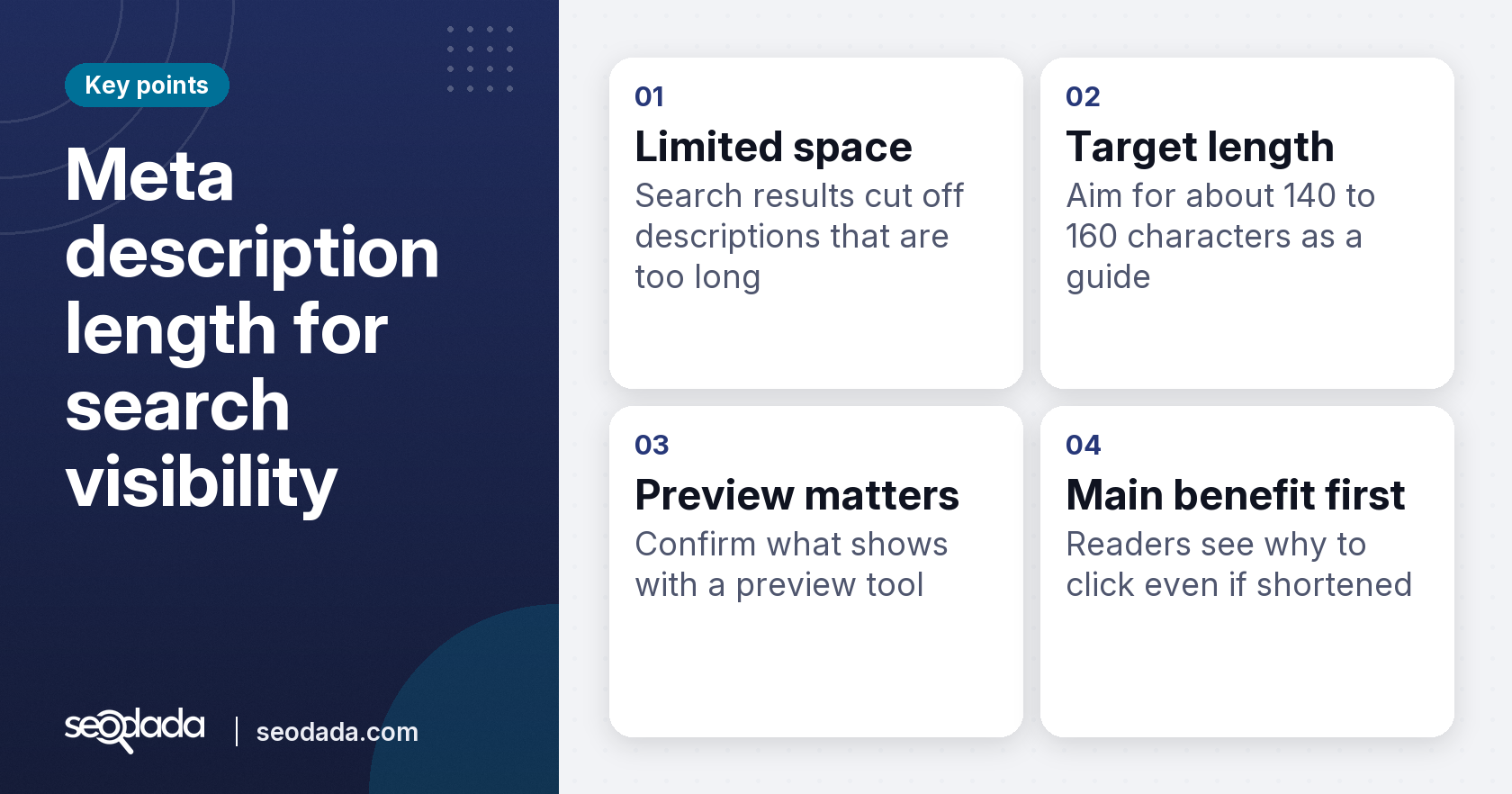
Length controls how much of your description a searcher actually reads. Search results have a limited display space, so text beyond that point may be cut off, often with an ellipsis. Anything past the cut-off is unlikely to appear in the results list.
Use the general guidance of about 140 to 160 characters as an approximate target. seodada's meta title and Description Checker uses a similar range. The exact cut-off depends on the characters used, so treat the number as a guide and rely on the preview to confirm what is shown.
Put the page's main benefit near the beginning of the description. If the snippet is shortened, the reader still sees the reason to click.
How to optimize meta description length: a cafe's story
You want more local customers from search. Imagine a small neighborhood café. It needs a meta description for its menu page. This description is key to attracting customers, and the steps below follow that draft from first attempt to final version, with the character count of each draft, providing a clear example of the process.
Starting with a too-long description
The first draft lists everything, opening hours, the full menu, the seating, the parking, the catering options, and a long story about the owner. It runs well past 200 characters. In a results list, the reader sees only the opening clause, and the reason to visit is never shown.
The problem is the order. Everything is equally weighted, so nothing stands out.
Trimming for essential information
The next version of the description is shorter. It keeps the core facts, such as what the café is, where it is, and one reason to visit. This description is long enough that the end may be cut off on mobile.
Ask one question of every clause, would a searcher lose the reason to click without it? If not, remove it. Parking and the owner's story can move to the page body.
Refining for impact and optimal length
The final version leads with the search need, includes the local keyword, and ends with a clear benefit. It is within the target length. A description might name the café type, the neighborhood, and a reason such as fresh pastries from the morning bake, with a short invitation to visit.
Check the final version in a preview tool before publishing. A version that reads well in a document can still be truncated in the results list, so the preview shows what searchers will actually see.
Tools to check and refine your meta description length
Counting characters by hand is slow and misses the details that matter. A preview tool shows the description as searchers will see it.
seodada's Free Meta Title and Description Checker renders the Google snippet and the social card inline. You can see where truncation happens, spot a missing Open Graph image, and catch duplicate titles across pages.
Use the preview to review your description. Check three things: the description is not cut off, the key message appears early, and the social card has the image and title you expect. You should re-scan after each change to confirm the result.
Beyond length: other factors for a compelling meta description
Length helps get the description seen. Relevance and clarity help get it clicked. A description that fits the limit but says nothing useful will still lose to a clearer competitor.
You should include your primary keyword in a way that reads naturally. Repeating it can look like stuffing to a searcher. Add a clear value proposition that tells the reader what they gain, such as savings or benefits. If it fits, end with a call to action.
Write for the person reading the results list, not for a ranking formula. For a fuller walk-through of keyword placement, see Keyword Optimization: 7 Steps to Getting It Right.
Related: Keyword Research Tool: Volume, Difficulty, Intent
Iterate and test for continuous improvement
A meta description is not finished once it is published. Track click-through rate for each page in your search performance data, and compare it with the position the page holds.
When a description underperforms, change one thing at a time, shorten it, move the benefit earlier, or sharpen the call to action. Then watch the results for a few weeks before changing it again.
seodada's platform includes rank tracking and AI visibility tools, which help you monitor how pages perform over time. Pair those results with the preview checks to decide which descriptions need another pass.
Key takeaways
If you write meta descriptions, keep them near 140 to 160 characters. Use this target to keep your main message visible. It helps to lead with the reason to click, so the main benefit survives if the snippet is shortened. You should check the preview before publishing, since counts alone miss truncation, and track click-through rate, revising one change at a time to improve results.
Conclusion
The length of a meta description is important. It decides if your message reaches the searcher or gets cut off. You should aim for about 140 to 160 characters. Lead with the benefit and confirm the result in a preview before you publish. Review click-through rate over time and adjust the descriptions that underperform to help a page's position in search earn more visits.
FAQs
What is the ideal meta description length?
A working target is to keep the description short. The exact cut-off depends on the characters used, so check the preview to confirm the key message is visible.
Does Google always use my meta description?
No. Search engines may show a different description when they judge another text to be a better match for the query, so the written version is not guaranteed to appear. Writing a clear, well-sized description still gives it the best chance to be used as written.
Should I include keywords in my meta description?
Yes, a description that includes the keyword where it reads naturally is more useful. A description that reads like a sentence for a person is more useful than one packed with repeated terms.
What happens if my meta description is too short?
A short description leaves room unused and may not give the searcher enough reason to click. Add a specific benefit or a brief call to action.
How often should I update my meta descriptions?
You should review meta descriptions when a page changes, when its click-through rate falls, or when a new offer or detail becomes important. Avoid changing them constantly, so you can see if an edit helped. This helps you make effective edits.
Can a good meta description improve my SEO?
A description does not directly raise rankings, but more clicks from the same position can bring more visits to the page.
Frequently asked questions
What is the ideal meta description length?
A working target is to keep the description short. The exact cut-off depends on the characters used, so check the preview to confirm the key message is visible.
Does Google always use my meta description?
No. Search engines may show a different description when they judge another text to be a better match for the query, so the written version is not guaranteed to appear. Writing a clear, well-sized description still gives it the best chance to be used as written.
Should I include keywords in my meta description?
Yes, a description that includes the keyword where it reads naturally is more useful. A description that reads like a sentence for a person is more useful than one packed with repeated terms.
What happens if my meta description is too short?
A short description leaves room unused and may not give the searcher enough reason to click. Add a specific benefit or a brief call to action.
How often should I update my meta descriptions?
You should review meta descriptions when a page changes, when its click-through rate falls, or when a new offer or detail becomes important. Avoid changing them constantly, so you can see if an edit helped. This helps you make effective edits.
Can a good meta description improve my SEO?
A description does not directly raise rankings, but more clicks from the same position can bring more visits to the page.